Everything’s connected





















Your AI assistant x Streamtime
Do your Streamtime admin by chatting with AI. Ask "How many hours did we log on graphic design last month?" and get the real number. Say "Make a job from this project brief" and the job plan appears in Streamtime.
The Streamtime MCP is what makes this work. It connects Streamtime to AI assistants like Claude, ChatGPT and Copilot, and only lets them do what you can already do in the app. Quotes and invoices land as drafts for you to check and send. Less admin, more of the work you're actually here for.
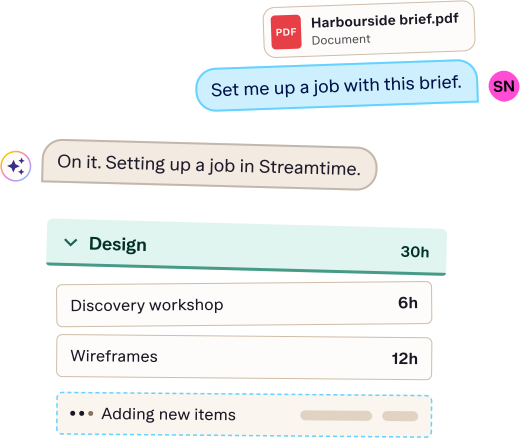
Using AI with Streamtime
Which AI assistants work with Streamtime?
Any assistant that supports MCP (Model Context Protocol), an open standard for connecting AI to outside tools. The Streamtime MCP is our connector, and all you need is a Streamtime login.
Is it safe to let AI into my account?
It can only do what you can already do in Streamtime, and quotes and invoices are created as drafts for you to send. Connecting does share your data with the AI provider you choose, so it's worth checking their terms first.
Already with us? Here's how to connect
You set it up in your AI assistant, not in Streamtime. Connect your assistant or read the quick start guide.
Simplify your financial workflow
By connecting your chart of accounts, Streamtime ensures income and expenses are aligned with your financial reports. Invoices update automatically, keeping your finance team in the loop.

Google Calendar x Streamtime
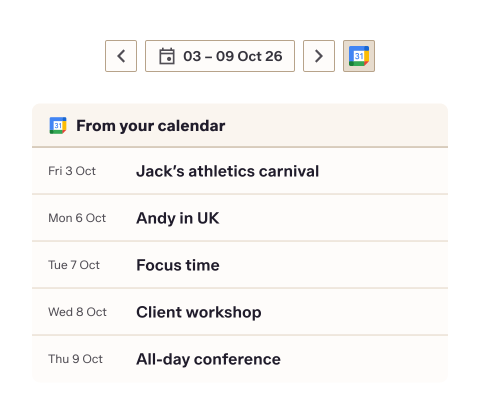
Bring it together and sync your meetings directly into your To Do. Automatically assign meetings to job and enjoy a reliable, two‑way connection that keeps your schedule aligned. Less toggling between apps. More flow.
Set, Zap, Forget
Connect with over 5,000 apps via Zapier.
Instantly post job updates to Slack or generate tasks from form submissions. Go even further with multi-step workflows, triggering any number of updates in Streamtime. Cut the mundanity and focus on the work that matters.

Get wayahead
Need deeper insights? wayahead can help you with super customised reports for team performance, forecasting, cashflow, and more.


iOS App

Take your tasks and to dos with you
Collaboration
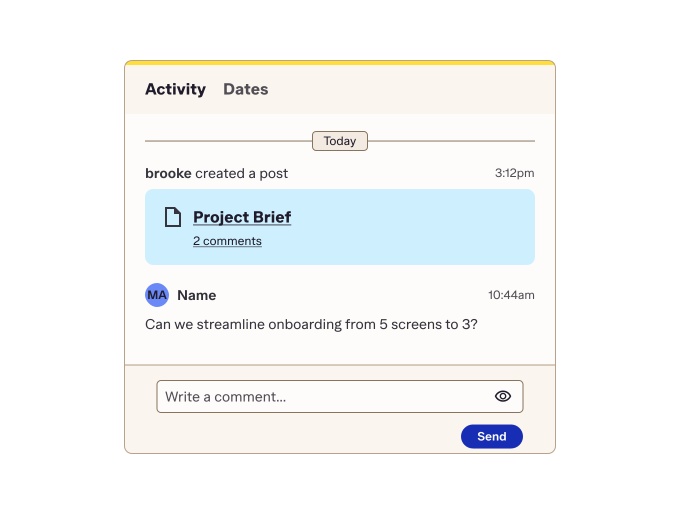
Align your team with job posts. Updates, links, and key info — all in one place, right where the action is.
Happiness Coach
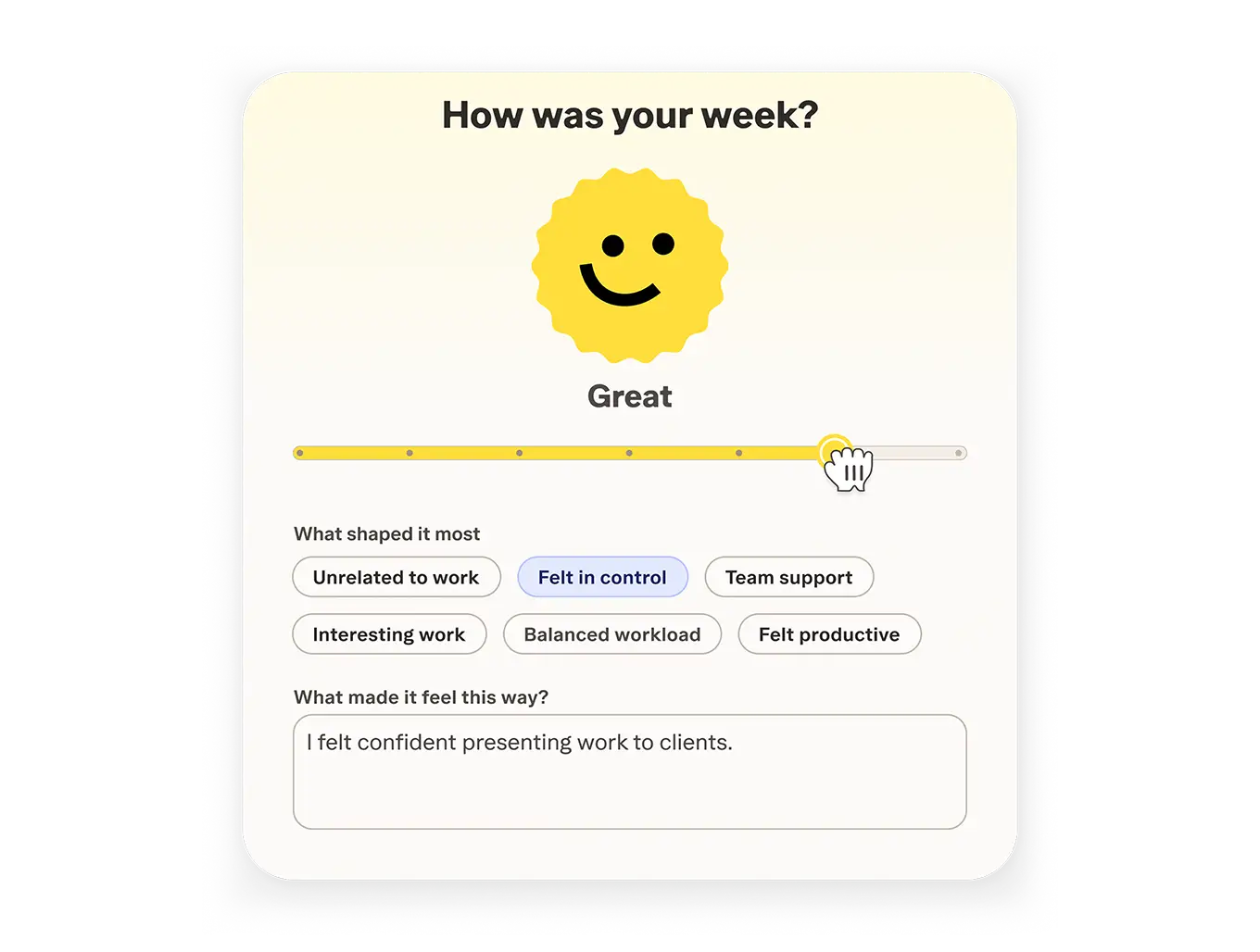
Quick emoji check-ins and SMART-based reflections help you turn team feelings into business insights.
Project planning
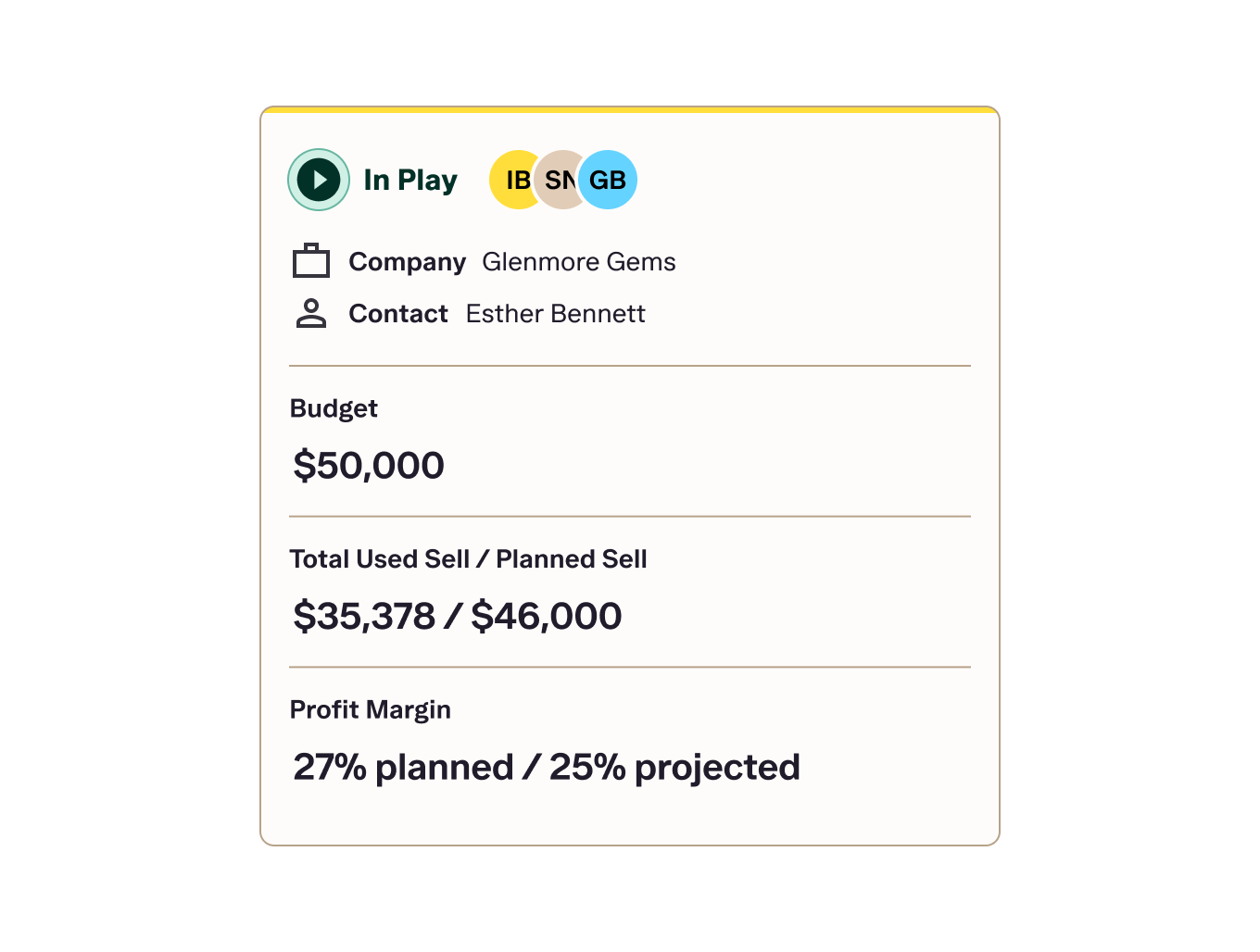
Setup projects and see everything you need in seconds.
Time tracking and scheduling
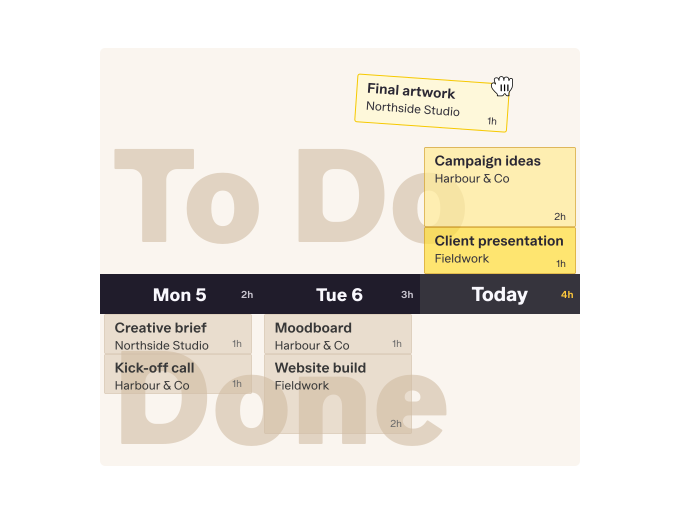
Plan time with drag-and-drop ease. See availability, including unscheduled hours, without the timesheets.
Reporting
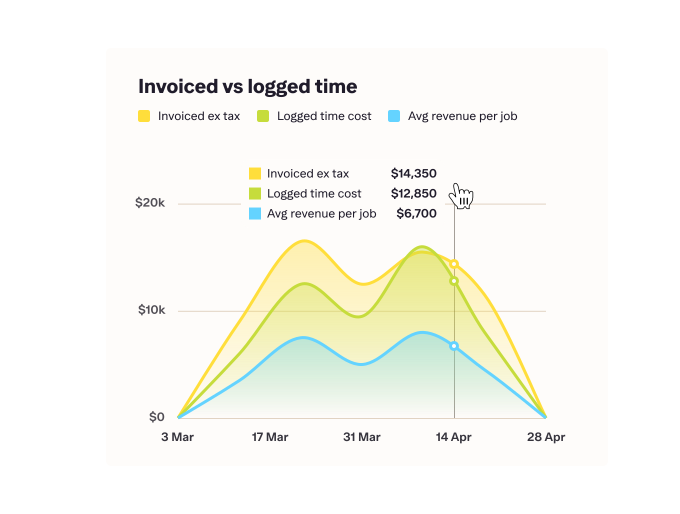
Get real-time insights — from utilisation to profitability and job cost recovery. Filter, customise, create formulas, and export reports with a click.
Quoting and invoicing
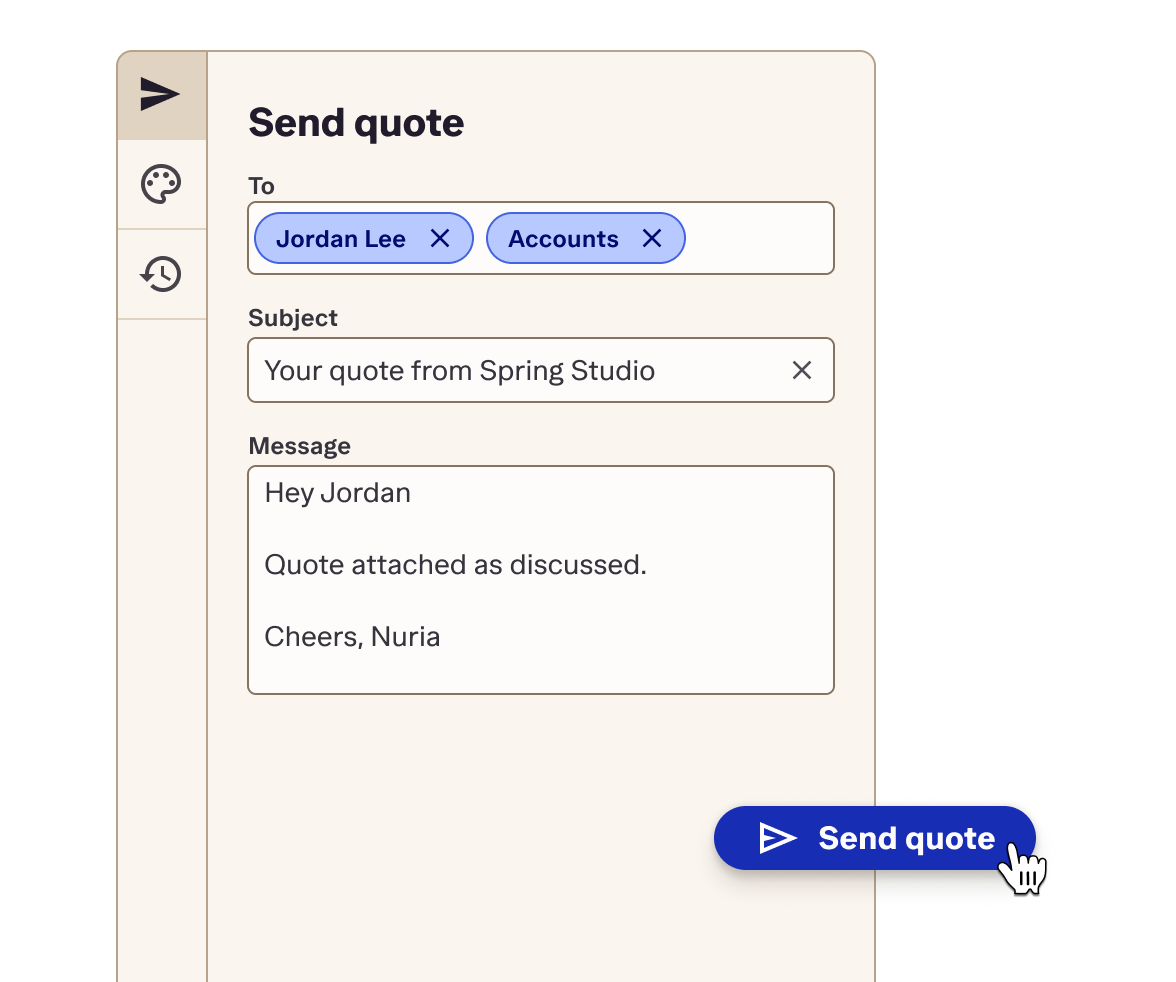
Turn job plans into quotes and invoices; with everything, even expenses, rolled into one accurate bill.
Kanban
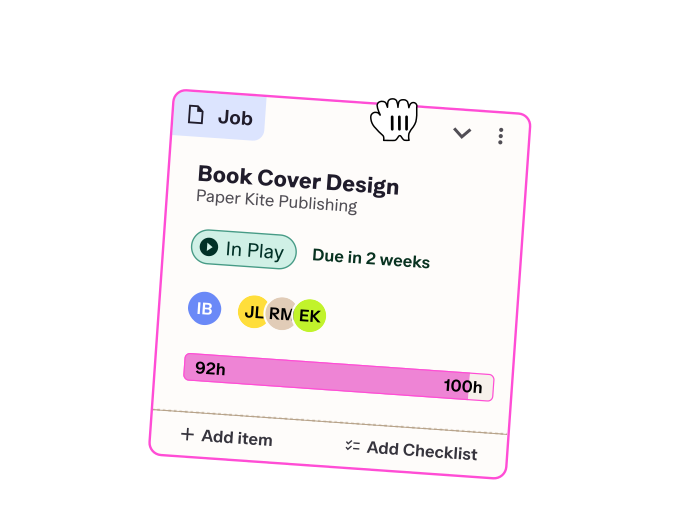
Balance pipeline, priorities, and peace of mind in a Kanban board. Track your progress through every job stage with visible sell totals and status.
Integrations

Connect Streamtime to the rest of your operations